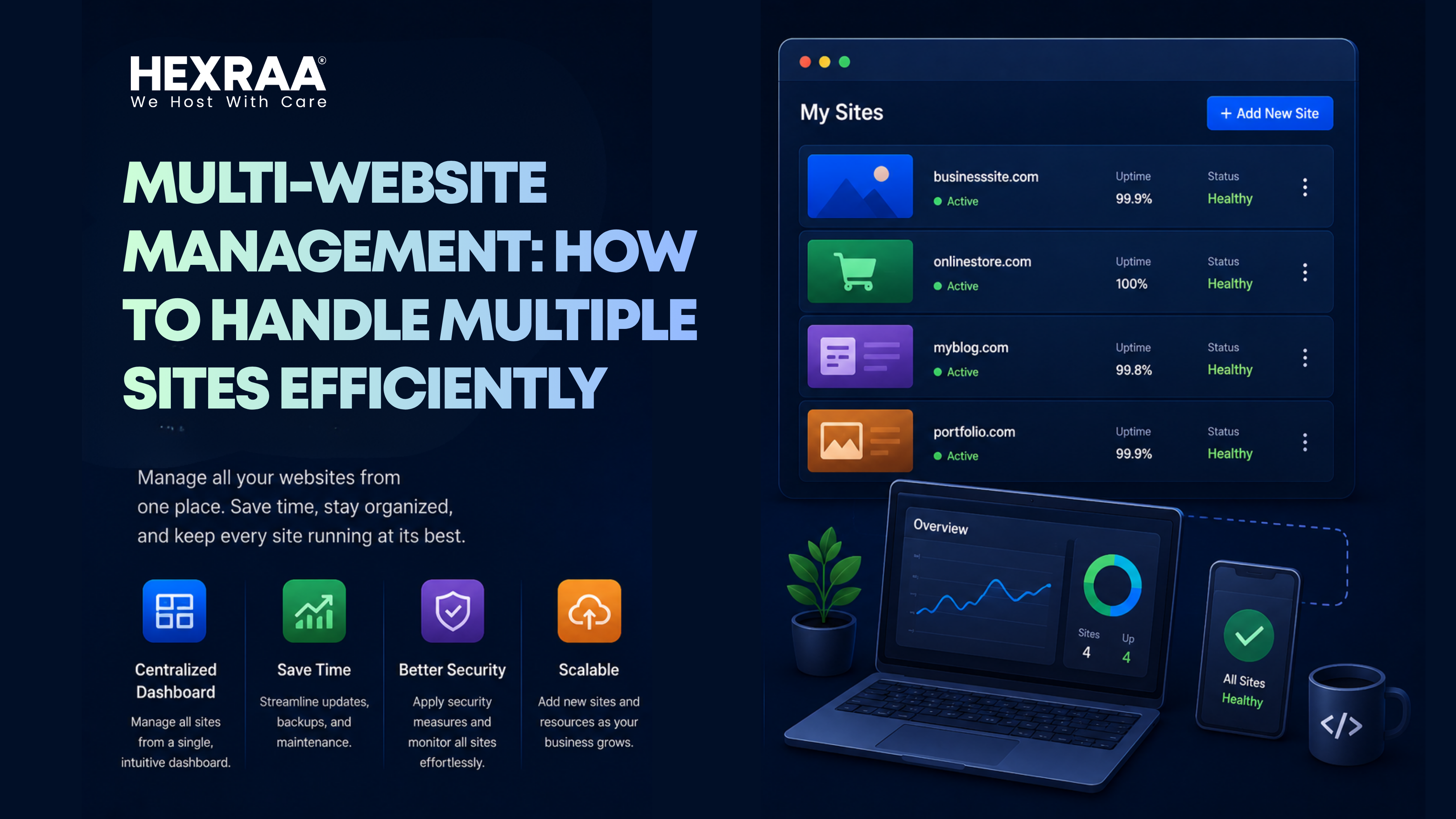
Multi Website Management: How to Handle Multiple Sites Efficiently
Managing a single website can already require significant time, effort, and attention to detail. When you are responsible for multiple websites, the level of complexity increases rapidly. This situation is common for business owners running multiple brands, digital marketers managing several clients, or developers handling different projects at once. Without a structured approach, it becomes easy to lose control, miss important updates, and create inconsistencies across your websites.
The good news is that managing multiple websites does not have to feel overwhelming. With the right systems, tools, and workflows in place, you can simplify your processes and even scale your operations efficiently. This guide will walk you through practical strategies to help you stay organized, productive, and in control.
Centralize Your Management System
One of the biggest challenges in multi website management is switching between different platforms, logins, and dashboards. This not only wastes time but also increases the chances of errors. A centralized management system helps solve this problem.
By using a unified dashboard or a content management system that supports multiple websites, you can monitor performance, update content, and manage settings from one place. This reduces the need to log in to each website separately and allows you to maintain better oversight.
For example, if all your websites are built on the same platform, you can use tools that allow bulk updates, shared plugins, and centralized reporting. This approach improves efficiency and ensures consistency across all your sites.
Standardize Your Processes and Workflows
When each website follows a different process, it creates confusion and slows down your team. Standardizing your workflows is essential for maintaining consistency and improving productivity.
Define clear procedures for tasks such as content creation, publishing, updates, SEO optimization, and reporting. Document these processes so that everyone involved knows exactly what to do.
Standardization also makes it easier to onboard new team members. Instead of learning different systems for each website, they can follow a unified structure. This reduces training time and minimizes mistakes.
Leverage Automation for Repetitive Tasks
Managing multiple websites often involves repetitive tasks that can consume a large portion of your time. Automation helps you handle these tasks more efficiently.
You can automate content scheduling, backups, software updates, security scans, and performance reports. Many tools also allow you to set up alerts for downtime or unusual activity.
For example, instead of manually updating plugins on each website, you can use automation tools to handle updates across all sites simultaneously. This not only saves time but also ensures that nothing is overlooked.
Maintain Consistent Branding
If your websites are connected to the same business or brand, maintaining consistency is important. This includes visual elements such as logos, colors, and typography, as well as tone of voice and messaging.
Consistent branding builds trust and makes your business more recognizable. Even if your websites target different audiences, they should still feel like part of the same ecosystem.
Create a brand guideline document that outlines your design standards and communication style. Ensure that every website follows these guidelines to maintain a cohesive identity.
Organize Your Content Strategy
Content management becomes more complex when it is spread across multiple websites. Without proper planning, you may end up duplicating content, targeting the same keywords, or missing important opportunities.
A structured content strategy helps you stay organized. Use a shared content calendar to plan and schedule posts across all websites. Assign specific topics or themes to each site to avoid overlap.
For example, one website can focus on educational content while another targets product related topics. You can also repurpose content into different formats, such as turning a blog post into a video or infographic for another site.
Optimize SEO for Each Website
Search engine optimization becomes more challenging when multiple websites operate in similar niches. Each website should have its own SEO strategy and clearly defined purpose.
Avoid keyword cannibalization by ensuring that each site targets different keywords or audiences. Build separate backlink profiles and create unique content for each website.
Regular SEO audits are important to track performance and identify issues. Monitor rankings, traffic, and technical SEO factors for each site individually. This helps you make informed decisions and improve results over time.
Strengthen Security Across All Sites
Managing multiple websites increases your exposure to security risks. A vulnerability in one site can potentially affect others if not handled properly.
Implement strong security practices such as using unique passwords, enabling two factor authentication, and keeping all software up to date. Regularly scan your websites for malware and vulnerabilities.
Frequent backups are also essential. In case of an issue, you can quickly restore your website without losing important data.
Monitor Performance with Analytics
Understanding how your websites perform is crucial for growth. Track key metrics such as traffic sources, user behavior, conversion rates, and page load speed.
Using analytics tools that allow you to view data from multiple websites in one place can save time and provide better insights. This makes it easier to compare performance and identify trends.
For example, if one website has a higher conversion rate, you can analyze what is working well and apply similar strategies to your other sites.
Delegate Responsibilities and Collaborate
Managing multiple websites alone is not sustainable as your portfolio grows. Delegation is essential for maintaining efficiency and preventing burnout.
Assign specific roles to team members based on their expertise. This may include content creators, SEO specialists, developers, and designers. Clear role distribution ensures accountability and smooth workflow.
Use collaboration tools to manage tasks, track progress, and communicate effectively. This keeps everyone aligned and reduces the risk of delays or misunderstandings.
Create a Maintenance Schedule
Every website requires regular maintenance to function properly. Without a structured schedule, it is easy to overlook important tasks.
Create a maintenance checklist that includes updating plugins, checking for broken links, reviewing site speed, testing forms, and backing up data. Schedule these tasks weekly or monthly depending on your needs.
Consistent maintenance helps prevent technical issues and ensures that your websites continue to perform at their best.
Use Templates and Reusable Components
Starting from scratch for every website or page is inefficient. Templates and reusable components can significantly speed up your workflow.
Create standard layouts for pages, blog posts, landing pages, and emails. This not only saves time but also ensures consistency in design and structure.
For example, you can develop a reusable landing page template that can be adapted for different campaigns across multiple websites. This approach reduces effort while maintaining quality.
Prioritize User Experience
User experience plays a major role in the success of any website. Regardless of how many sites you manage, each one should provide a smooth and engaging experience.
Ensure that your websites load quickly, are mobile friendly, and have clear navigation. Content should be easy to read and provide real value to users.
A positive user experience leads to higher engagement, better search rankings, and improved conversions. Regularly test your websites to identify and fix any usability issues.
Manage Domains and Hosting Efficiently
Keeping track of multiple domains and hosting accounts can become complicated if not organized properly. Missing a domain renewal or facing hosting issues can lead to downtime and lost revenue.
Maintain a record of all your domains, including registration details and renewal dates. Use reminders to ensure that nothing expires unexpectedly.
Choose a reliable hosting provider that can handle multiple websites efficiently. Monitor uptime and performance to ensure your sites remain accessible.
Conduct Regular Website Audits
Auditing your websites helps you identify problems before they become serious. It also ensures that your content, SEO, and technical performance remain strong.
Review areas such as content quality, keyword performance, technical issues, security, and user experience. Conduct audits every few months to keep your websites updated and competitive.
Regular audits also provide insights into what is working and what needs improvement, allowing you to refine your strategies.
Scale with a Clear Strategy
As you become more comfortable managing multiple websites, you may feel tempted to launch additional ones. While growth is positive, it should be approached strategically.
Before creating a new website, consider whether it has a clear purpose, whether you have the resources to manage it, and whether it adds value to your overall portfolio.
Focusing on a smaller number of well managed websites is often more effective than spreading your efforts too thin. Quality and consistency will always outperform quantity.
Managing multiple websites may seem challenging at first, but with the right systems and mindset, it becomes much more manageable. By centralizing your tools, standardizing workflows, automating repetitive tasks, and maintaining clear strategies, you can turn complexity into efficiency.
When your websites are managed as a connected system rather than separate entities, you gain better control, save time, and improve overall performance. Whether you are handling a few websites or a large portfolio, these strategies will help you stay organized, focused, and ready for growth.
FAQs:
1. What is multi website management?
Multi-website management refers to the process of managing, updating, and maintaining multiple websites from a centralized or structured system. It includes handling content, SEO, security, performance, and design across different sites.
2. What is the best way to manage multiple websites efficiently?
The most effective approach is to use a centralized management system or CMS, standardize workflows, automate repetitive tasks, and use tools that allow you to monitor and update multiple sites from one dashboard.
3. How do I avoid confusion when managing multiple websites?
You can avoid confusion by organizing each website with clear documentation, separate project folders, content calendars, and defined roles for each site or team member.
4. What tools help manage multiple websites?
Tools like CMS platforms with multi-site support, automation tools, analytics dashboards, and SEO tools help streamline management. Hosting providers and centralized dashboards also make control easier.
5. How can I maintain SEO across multiple websites?
To maintain SEO, ensure each website has unique content, avoid keyword cannibalization, perform regular audits, and track performance separately using analytics tools to identify growth opportunities.