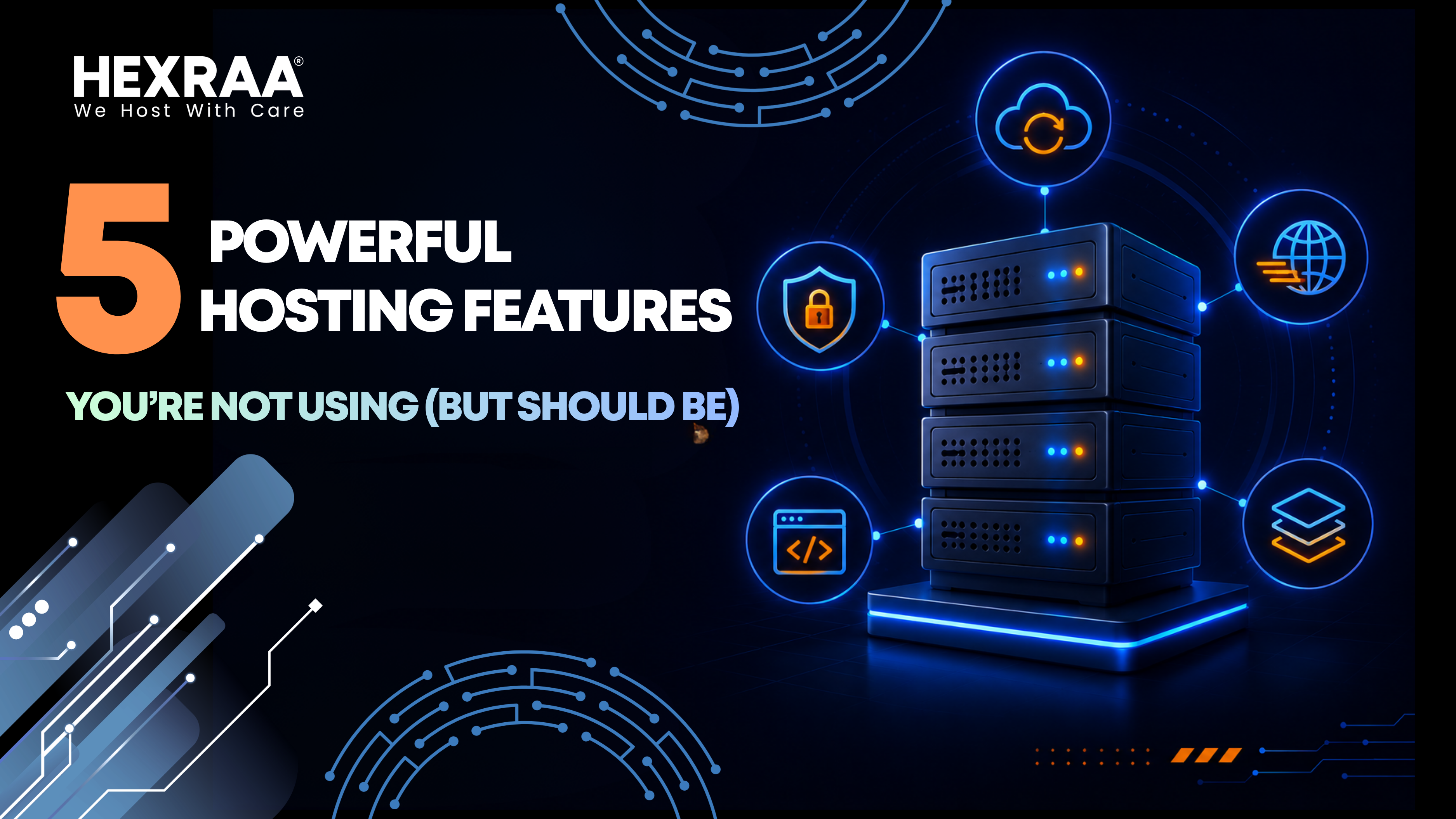
5 Powerful Hosting Features You’re Not Using (But Should Be)
When choosing a web hosting provider, most people focus only on the basics like storage space, bandwidth, uptime guarantees, and pricing. While these factors are important, they only cover a small portion of what modern hosting platforms can actually do.
Today’s hosting services come packed with advanced tools designed to improve speed, strengthen security, and simplify website management. The problem is that many website owners either do not know these features exist or assume they are too complicated to use.
If your website feels slow, difficult to manage, or vulnerable to issues, the problem might not be your hosting plan. It could simply be that you are not using its full potential.
Here are five powerful hosting features that are often overlooked and how they can make a real difference.
1. Staging Environments: A Safe Space for Testing
A staging environment is essentially a duplicate version of your live website where you can safely test changes without affecting your visitors.
This feature is incredibly useful but often ignored.
Why it matters
Making changes directly on a live website can be risky. A small mistake during a plugin update or design tweak can break your site and negatively impact user experience or revenue.
With a staging environment, you can:
- Test updates before applying them to your live site
- Try new designs or layouts without risk
- Identify and fix bugs safely
- Train team members without affecting real users
Example
If you run an online store and want to update your checkout system, testing it live could disrupt customer purchases. Using a staging site allows you to ensure everything works perfectly before going live.
Why people skip it
Many users assume staging is a technical feature meant for developers. In reality, most hosting providers now offer one click staging setups that are easy to use.
2. Built In Caching: Faster Websites Without Extra Tools
Website speed plays a major role in user experience, search rankings, and conversion rates. Despite this, many website owners rely heavily on third party plugins instead of using the built in caching tools provided by their hosting service.
What caching does
Caching stores preloaded versions of your website so that it can be delivered quickly to visitors without reloading everything from scratch each time.
Common types of hosting level caching include:
- Page caching
- Object caching
- Server side caching
- Opcode caching
Why built in caching is better
Using hosting level caching offers several advantages:
- Faster performance because it operates closer to the server
- Fewer compatibility issues compared to plugins
- Reduced load on your website resources
- Cleaner setup with fewer plugins installed
Missed opportunity
Many users install multiple caching plugins without realizing their hosting provider already includes optimized caching systems. This can actually slow down the site instead of improving it.
3. Content Delivery Network: Speed Across the Globe
A Content Delivery Network, or CDN, is one of the most effective ways to improve your website’s loading speed for visitors around the world.
How it works
A CDN stores copies of your website on servers located in different regions. When someone visits your site, the content is delivered from the server closest to their location.
Benefits of using a CDN:
- Faster loading times for global audiences
- Reduced strain on your main server
- Better performance during traffic spikes
- Improved SEO due to faster page speed
Why it matters today
If your website serves users from different countries, relying on a single server location can create delays. A CDN ensures your content loads quickly no matter where your visitors are.
Why it is often ignored
Some people believe CDNs are only necessary for large or high traffic websites. In reality, even small websites benefit from faster delivery and improved user experience.
4. Automated Backups: Protection You Cannot Ignore
Backups are one of the most important yet overlooked aspects of website management.
The common issues
Many website owners either forget to set up backups, rely on manual processes, or assume their hosting provider automatically protects everything without verification.
What automated backups provide
- Daily or real time backup creation
- Quick and easy restoration options
- Protection from data loss, hacking, or accidental errors
Why this is critical
Websites can break for many reasons including failed updates, human error, or cyberattacks. Without a reliable backup system, recovering your site can be time consuming or even impossible.
With automated backups, you can restore your website within minutes and continue operations with minimal disruption.
Extra advantage
Some hosting providers offer incremental backups, which only save changes made since the last backup. This makes the process faster and more storage efficient.
5. Scalability: Grow Without Limits
Scalability allows your website to handle increasing traffic and demand without crashing or requiring a complicated migration process.
What scalability means
It refers to your hosting environment’s ability to adjust resources based on your website’s needs.
Key scalability features include:
- Automatic resource scaling
- Cloud based infrastructure
- Load balancing across servers
- Flexible resource allocation
Why it matters
Traffic spikes can happen at any time, especially during promotions, viral content moments, or product launches. Without scalability, your site may slow down or crash at critical times.
Why users overlook it
Many people stick with basic hosting plans and do not explore scaling options. However, many modern hosting providers already offer flexible solutions that can be activated when needed.
Bonus: Built In Security Features You Might Be Ignoring
Hosting platforms often include security tools that many users never enable.
Common features include:
- Web Application Firewalls
- Malware scanning
- DDoS protection
- SSL certificate management
Why this matters
Security breaches can damage your reputation and lead to data loss. Using these tools proactively helps prevent attacks instead of reacting after damage is done.
How to Start Using These Features
You do not need to change your hosting provider to take advantage of these tools. Most of them are already available in your dashboard.
Here is a simple way to get started:
- Log into your hosting control panel
- Explore available features and settings
- Enable a staging environment
- Activate built in caching
- Set up your CDN
- Schedule automated backups
- Review scalability options for future growth
If you are unsure about any feature, your hosting provider’s support team can usually guide you through the process.
Final Thoughts
Web hosting has evolved far beyond basic storage and bandwidth. Modern platforms offer powerful features that can significantly improve your website’s speed, security, and overall performance.
Ignoring these tools means missing out on better efficiency and a smoother user experience.
The good news is that most of these features are already included in your hosting plan. You simply need to start using them.
Begin with one feature at a time and gradually expand. Even small improvements can lead to noticeable results.
FAQs
- What is the best hosting feature to start with
Start with automated backups and caching. These offer immediate improvements in safety and performance. - Do I need technical knowledge to use these features
No. Most hosting providers offer simple dashboards with easy setup options for these tools. - Is a CDN useful for small websites
Yes. A CDN improves loading speed and user experience regardless of website size. - How often should I back up my website
Daily backups are ideal. For frequently updated sites, real time backups are even better. - Can multiple caching systems be used together
Yes, but they must be configured carefully to avoid conflicts. - What happens if I ignore these features
Your website may still run, but it will likely be slower, less secure, and harder to scale as your traffic grows.