What to Look for in a Hosting Plan: Speed, Security, Support, and Scalability
Selecting the right hosting plan is one of the most critical choices you’ll make for your website. Whether you’re building a personal portfolio, an eCommerce store, or a large business platform, your hosting provider directly influences your site’s performance, security, and overall growth potential.
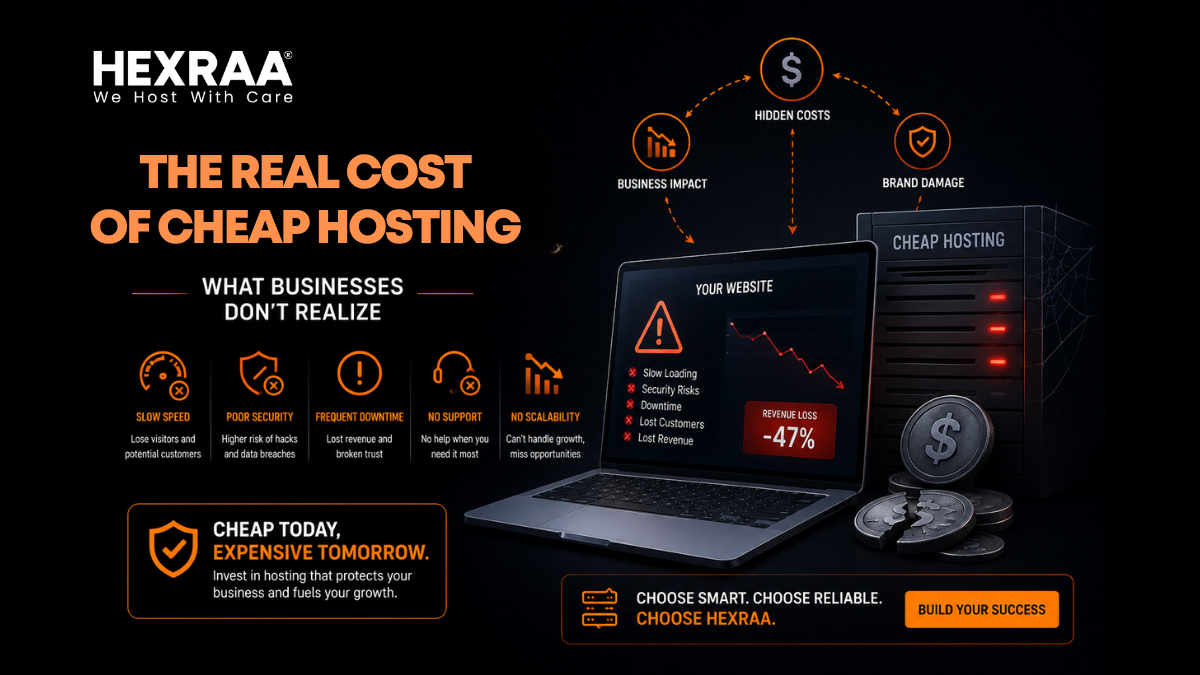
A poor hosting choice can result in frustratingly slow load times, frequent downtime, data breaches, and limited room for expansion. In contrast, the right hosting plan offers a foundation of speed, safety, reliability, and flexibility so your site performs well and matures with your needs.
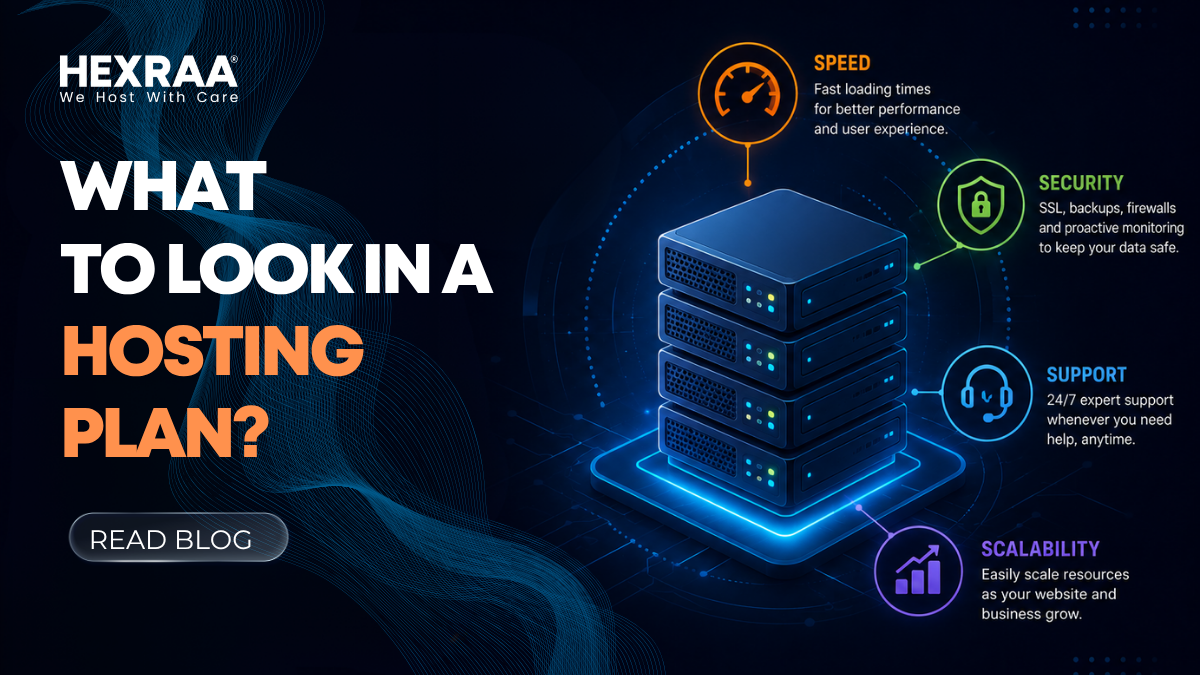
This guide explores the four essential factors every website owner should consider when choosing a hosting plan: speed, security, support, and scalability.
1. Speed: The Power Behind Performance
Website speed is one of the most crucial aspects of user experience. A slow website not only frustrates visitors but also harms your search rankings and conversion rates. Speed impacts first impressions, customer trust, and your ability to compete in crowded online spaces.
Why Speed Matters
User Experience: Visitors expect quick access to information. Studies show that a delay beyond three seconds can make users abandon a site.
SEO Rankings: Search engines like Google reward faster websites with better positions.
Conversions and Sales: Faster loading times increase engagement and sales, while delays can drop conversion rates significantly.
Key Factors That Influence Hosting Speed
a. Server Location: The distance between your web server and target audience matters. Choose a provider with servers close to your primary market. For example, if most of your traffic comes from the Middle East, select a host with data centers in or near that region.
b. Content Delivery Network (CDN): A CDN stores cached copies of your site on multiple servers worldwide, ensuring quick loading from the user’s nearest location.
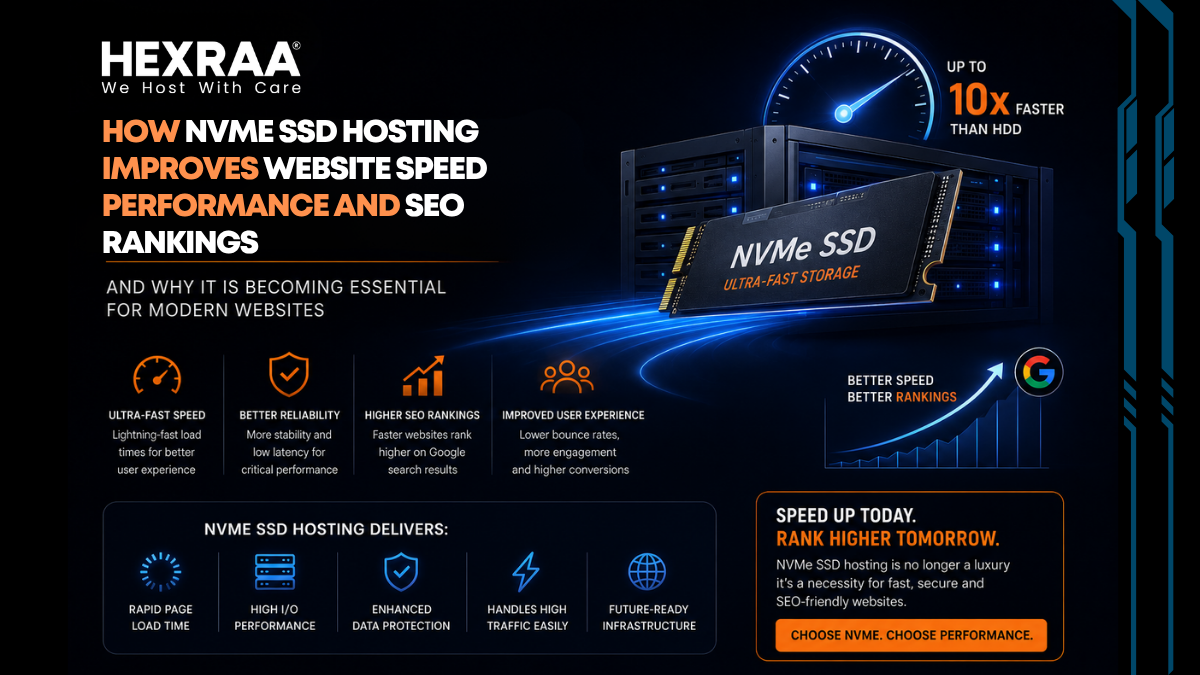
c. Storage Type (SSD vs. HDD): SSDs (Solid State Drives) perform much faster than traditional HDDs and are far more reliable for hosting.
d. Server Resources: CPU, RAM, and bandwidth all affect how swiftly your site loads. Shared hosting tends to have resource limitations, while VPS or dedicated servers provide higher performance.
e. Optimization Tools: Hosts that include caching, image compression, and optimization plugins can boost speed dramatically.
What to Look For
SSD or NVMe storage instead of traditional drives
Integrated CDN for faster global performance
High uptime guarantee (at least 99.9 percent)
Optimized server technology such as LiteSpeed or NGINX
2. Security: Safeguarding Your Website and Data
Security is an absolute necessity in modern web hosting. With constant threats like malware, phishing, and denial of service attacks, your hosting provider must take proactive steps to protect your site and its visitors.
Why Security Is Essential
Protects sensitive customer and business data
Prevents hacking, ransomware, and malware infections
Maintains brand trust and professional credibility
Prevents downtime and potential revenue losses
Core Security Features to Expect
a. SSL Certificates: These encrypt data transmitted between your website and users, securing online transactions and improving SEO rankings.
b. Firewalls and Malware Protection: A web application firewall (WAF) and malware scanning tools can detect and block suspicious activity before it causes harm.
c. Regular Backups: Automatic daily or weekly backups allow you to restore your site quickly if it is ever compromised.
d. DDoS Protection: Servers with advanced DDoS prevention help your site remain accessible during cyberattacks.
e. Secure Access Controls: Two factor authentication, SSH keys, and secure FTP connections add layers of protection for website administrators.
What to Look For
Free or included SSL certificate
Automated backup system (daily or real time)
Malware and virus scanning with active removal tools
DDoS mitigation and reliable firewalls
Regular system updates for improved defense
3. Support: Reliable Assistance When You Need It
Even the most technically proficient webmaster can face unexpected problems. Reliable customer support can make the difference between quickly resolving an issue and prolonged downtime.
Why Support Matters
Helps solve technical problems fast
Prevents extended service interruptions
Assists beginners with setup and troubleshooting
Saves time and reduces frustration during emergencies
Types of Customer Support to Consider
a. 24/7 Availability: Technical issues can arise anytime. Around the clock support ensures you are never left stranded.
b. Multi-channel Communication: Choose hosts that offer several ways to reach support: live chat, email, phone, and helpdesk tickets.
c. Knowledge and Expertise: Support agents should not only be polite but also technically proficient in server management, CMS troubleshooting, and performance optimization.
d. Response and Resolution Times: Fast replies are crucial during emergencies such as crashes or security breaches.
What to Look For
24/7 technical assistance
Quick average response and resolution times
Skilled professionals rather than scripted agents
Knowledge base, FAQs, and video tutorials for self-help
4. Scalability: Preparing for Future Growth
Your website may begin small, but traffic and data needs will increase as your brand grows. A hosting plan should easily accommodate that growth without major disruptions.
Why Scalability Is Important
Handles expanding visitor traffic smoothly
Supports new content, features, or eCommerce tools
Reduces the hassle and risk of migrating to a new host later
Types of Hosting and Their Scalability
a. Shared Hosting: Best for beginners or low traffic projects. Affordable but limited in resources.
b. VPS Hosting: Offers dedicated portions of a server, allowing more flexibility and scalability. Ideal for growing websites.
c. Dedicated Hosting: You control the entire server and resources, offering maximum speed and performance. Best for large enterprises.
d. Cloud Hosting: A highly scalable solution where your website uses multiple interconnected servers. It can handle sudden spikes in traffic without downtime.
Scalability Features to Consider
Easy plan upgrades with minimal downtime
Flexible pricing based on usage
Load balancing and cloud-based infrastructure
Dynamic resource allocation for handling sudden demand
What to Look For
Seamless upgrade paths to larger plans
Cloud hosting options for flexible scalability
Transparent pricing without hidden upgrade fees
Infrastructure that adjusts to traffic fluctuations
Additional Factors Worth Considering
While speed, security, support, and scalability form the foundation of a great hosting plan, other features can enhance the overall experience:
Uptime Guarantee: Look for servers that promise at least 99.9 percent uptime, ensuring your website stays consistently online.
Control Panel: A user-friendly dashboard such as cPanel or Plesk simplifies website and domain management.
Pricing and Renewals: Compare both initial and renewal rates before committing to a plan.
Email Hosting: Some hosts include business email addresses, saving you extra costs.
Developer Tools: For advanced users, features like SSH access, Git integration, and staging environments are extremely valuable.
How to Choose the Right Hosting Plan
Follow this quick checklist when comparing hosting providers:
Identify your website’s purpose and expected size
Estimate monthly traffic needs
Define your budget and look at renewal pricing
Compare hosting types and technical features
Read customer reviews for reliability insights
Test customer support response before purchasing
Final Thoughts
Choosing the right hosting plan is more than just a technical step; it’s a long-term strategic investment in your website’s success. Speed keeps your visitors engaged, strong security protects your business and reputation, reliable support minimizes downtime, and scalability allows your site to grow effortlessly.
Rather than focusing only on low entry prices, think about the long-term value of high-quality hosting. A slightly higher upfront cost often leads to better performance, less stress, and fewer problems down the road.
Frequently Asked Questions
1. What is the most critical feature in a hosting plan?
All factors are important, but speed and security usually take priority since they directly influence user experience and trust.
2. Is shared hosting suitable for beginners?
Yes, shared hosting is ideal for new websites because it’s affordable and simple to manage, though it offers limited resources.
3. How can I test my hosting speed?
Tools such as Google PageSpeed Insights, GTmetrix, or Pingdom can help you measure loading times and suggest improvements.
4. Do I need an SSL certificate?
Absolutely. SSL is vital for protecting user data and improving SEO. Most modern hosting providers include it free.
5. What if my site grows beyond its current hosting plan?
You can easily upgrade to a VPS, cloud, or dedicated hosting plan for more resources and performance.
6. How often should I back up my website?
Daily backups are recommended, especially for websites with frequent updates or eCommerce activity.
7. How do VPS and cloud hosting differ?
VPS hosting provides dedicated resources within one physical server, while cloud hosting distributes resources across multiple servers for improved scalability and reliability.
8. Can I switch hosting companies later?
Yes, migration is possible, but it can be complex. Choosing a scalable provider from the start is usually more efficient.