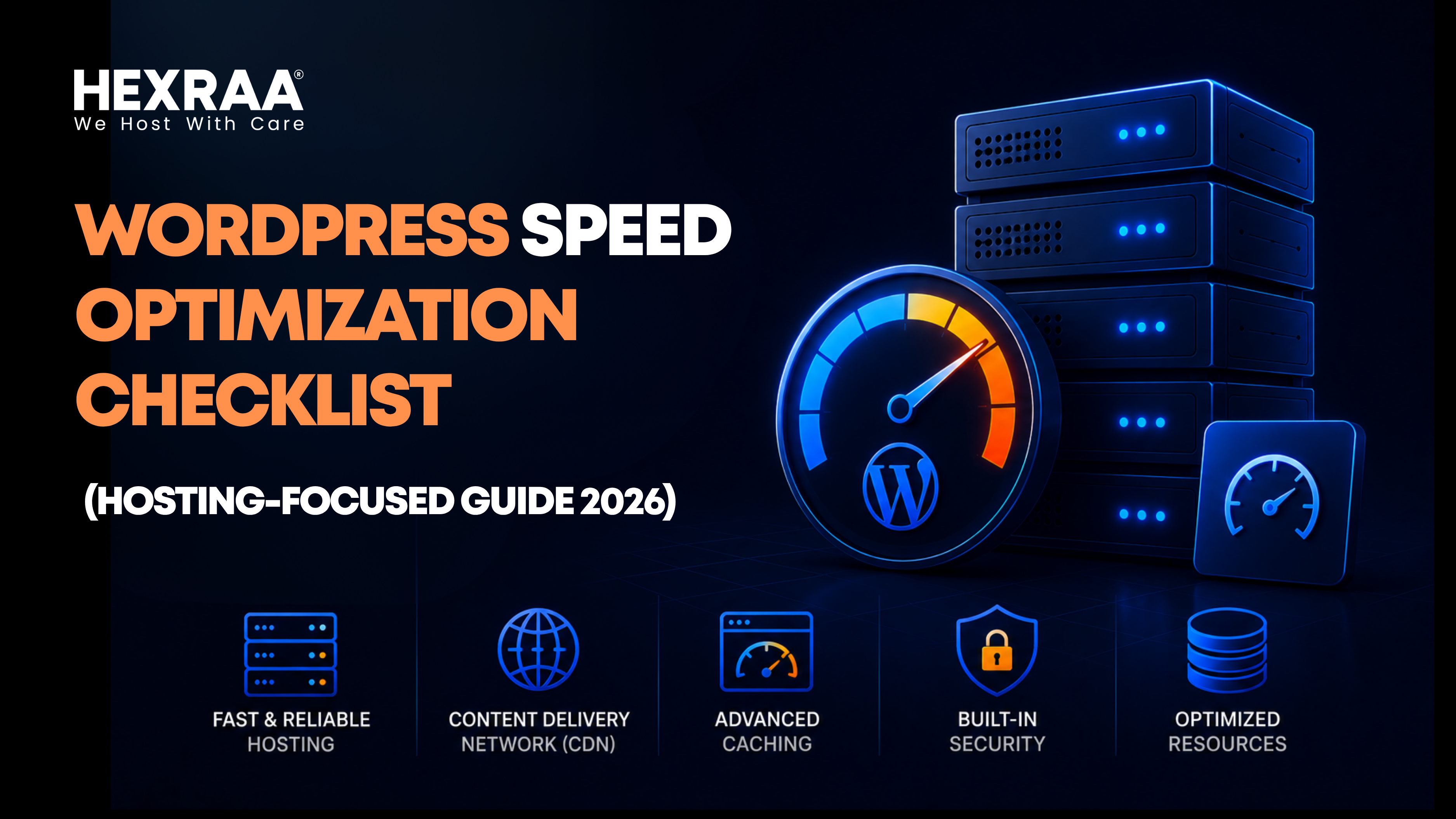
WordPress Speed Optimization Checklist (Hosting Focused Guide 2026)
Website speed has become a defining factor in online success. A slow-loading WordPress site does more than frustrate users. It directly affects search rankings, conversion rates, and overall brand perception. Even a delay of a few seconds can cause visitors to leave before engaging with your content.
While many site owners focus on plugins, themes, and image optimization, the real foundation of performance lies in hosting. If your hosting environment is not properly configured, front end improvements can only go so far. A strong hosting setup ensures your website runs efficiently, handles traffic smoothly, and delivers consistent speed.
This guide focuses entirely on hosting level optimizations that have the biggest impact on WordPress performance.
Why Hosting Plays a Critical Role
Your hosting provider is responsible for how quickly your website responds to requests. Every time a user visits your site, the server processes the request, retrieves data, and delivers content.
Several key performance factors depend on hosting quality:
Server response time affects how quickly pages start loading
Database performance determines how fast content is retrieved
Available resources like CPU and RAM influence stability
Scalability ensures your site handles traffic spikes smoothly
If your hosting is slow or overloaded, even a well optimized website will struggle to perform.
Hosting Focused WordPress Speed Optimization Checklist
Select the Right Hosting Type
Choosing the right hosting plan is the first and most important step.
Shared hosting is affordable but often overcrowded. Resources are distributed across many websites, which can slow performance during peak times.
Virtual private servers offer dedicated resources within a shared environment, providing better speed and control.
Managed WordPress hosting is specifically optimized for WordPress. It often includes built-in caching, automatic updates, and enhanced security.
Dedicated servers and cloud hosting deliver the highest level of performance and flexibility. These options are ideal for high traffic or business critical websites.
Action point: Avoid basic shared hosting for serious projects. Upgrade to VPS, managed, or cloud hosting for better reliability.
Use a High Performance Server Stack
The server software running your website significantly impacts speed.
Modern web servers like LiteSpeed and NGINX are designed to handle high traffic efficiently and deliver faster responses compared to traditional setups.
Apache can still perform well if properly configured, but it typically requires more tuning.
Action point: Choose hosting that supports LiteSpeed or NGINX and ensure modern protocols like HTTP/2 or HTTP/3 are enabled.
Enable Server-Level Caching
Caching reduces the need to generate pages repeatedly, which speeds up load times.
Server level caching is faster than plugin based caching because it operates closer to the server hardware.
Important types include page caching, object caching, and opcode caching.
Action point: Use hosting that provides built in caching and enable Redis or Memcached for object caching when available.
Keep PHP Updated
WordPress runs on PHP, and newer versions offer significant performance improvements.
Upgrading PHP can increase speed, reduce resource usage, and improve security.
Action point: Use PHP 8 or higher and update regularly through your hosting control panel.
Improve Database Performance
Your database stores all your content and settings. If it is slow, your entire site slows down.
High performance hosting uses SSD or NVMe storage for faster data access. Proper database configuration also improves query efficiency.
Action point: Ensure your hosting includes fast storage and optimized MySQL or MariaDB settings.
Choose the Right Data Center Location
Distance between the server and the user affects loading speed.
The closer your server is to your audience, the lower the latency and the faster your site loads.
Action point: Select a data center near your primary audience. For global audiences, combine this with a CDN.
Use a Content Delivery Network
A CDN stores copies of your website content across multiple global servers.
When a user visits your site, content is delivered from the nearest location, reducing load time and server strain.
Action point: Enable a CDN and ensure static files like images and scripts are cached effectively.
Allocate Sufficient Resources
Limited CPU, RAM, or bandwidth can slow down your site, especially during traffic spikes.
Action point: Monitor usage regularly and upgrade your plan when needed to maintain performance.
Enable Compression
Compression reduces file sizes before sending them to users, improving load speed.
GZIP and Brotli are commonly used compression methods.
Action point: Enable compression through your server settings and verify using performance tools.
Optimize Connection Protocols
Modern protocols improve both speed and security.
HTTP/3 reduces latency and improves performance, especially on mobile networks. Proper TLS configuration also enhances secure connections.
Action point: Enable HTTP/3 and optimize SSL settings through your hosting provider.
Use Fast and Reliable DNS
DNS lookup time is the first step in loading your website. A slow DNS provider can delay everything else.
Action point: Choose a premium DNS provider and enable redundancy for better reliability.
Monitor Performance Continuously
Ongoing monitoring helps identify issues before they affect users.
Key metrics include uptime, response time, resource usage, and error rates.
Action point: Use monitoring tools and set alerts for downtime or unusual slowdowns.
Enable Auto Scaling for Traffic Surges
Traffic spikes can overwhelm servers if resources are limited.
Cloud hosting platforms offer auto-scaling, which adjusts resources automatically based on demand.
Action point: Configure auto scaling settings to handle sudden increases in traffic.
Use Isolated Hosting Environments
In shared environments, other websites can impact your performance.
Isolated environments prevent this issue by allocating dedicated resources.
Action point: Choose hosting that offers container based or isolated setups.
Optimize Backup Systems
Backups are essential, but poorly scheduled backups can slow your website.
Action point: Schedule backups during off peak hours and store them offsite to reduce server load.
Additional Tips for Better Performance
Once your hosting is optimized, combine it with front end improvements for the best results:
Use lightweight themes
Limit the number of plugins
Optimize images for web use
Enable lazy loading for media
Common Mistakes to Avoid
Many site owners unknowingly limit their performance by making avoidable mistakes:
Choosing hosting based only on low cost
Ignoring server location
Depending entirely on caching plugins
Failing to upgrade resources as traffic grows
Not monitoring performance regularly
Conclusion
WordPress speed optimization begins with hosting. A well configured hosting environment provides the stability and performance needed for a fast website.
By focusing on server level improvements, you create a strong foundation that supports everything else, from design to content delivery. Speed optimization is not a one time task. It requires continuous monitoring, adjustments, and upgrades as your website grows.
A fast website not only improves user experience but also strengthens your search visibility and business outcomes.
FAQs
1. How much does hosting affect WordPress speed?
Hosting plays a major role in speed, affecting server response time, resource availability, and overall performance.
2. Is shared hosting good for WordPress speed?
Shared hosting can work for small sites, but it often struggles with performance under traffic. VPS or managed hosting is बेहतर for speed.
3. What is the best hosting type for WordPress?
Managed WordPress hosting or cloud hosting is generally best for performance, scalability, and ease of use.
4. Does a CDN really improve speed?
Yes, a CDN reduces latency by serving content from servers closer to users, significantly improving load times.
5. How often should I upgrade my hosting plan?
You should upgrade whenever you notice performance issues, increased traffic, or resource limitations.
6. What is TTFB and why does it matter?
Time to First Byte (TTFB) measures how quickly your server responds. Lower TTFB means faster page loading.
7. Can I optimize speed without changing hosting?
You can improve some aspects, but hosting limitations will always cap your site’s maximum performance.
8. What’s the fastest server setup for WordPress?
A combination of LiteSpeed or NGINX, SSD/NVMe storage, server-level caching, and a CDN typically delivers the best performance.

Need help choosing the right plan? Our experts are here to help.
Talk To An Expert
Subscribe to Our Newsletter
Don't miss out! Join our community and get the latest updates

Reliable web hosting solutions that create more success in the digital world.
CIN: U72900AP2020PTC116790
GSTIN: 36AAFCH5836D1ZN
Hosting & Services
Company
Resources
Legal
© 2026 Hexraa Technologies Private Limited. All Rights Reserved.
We Accept: