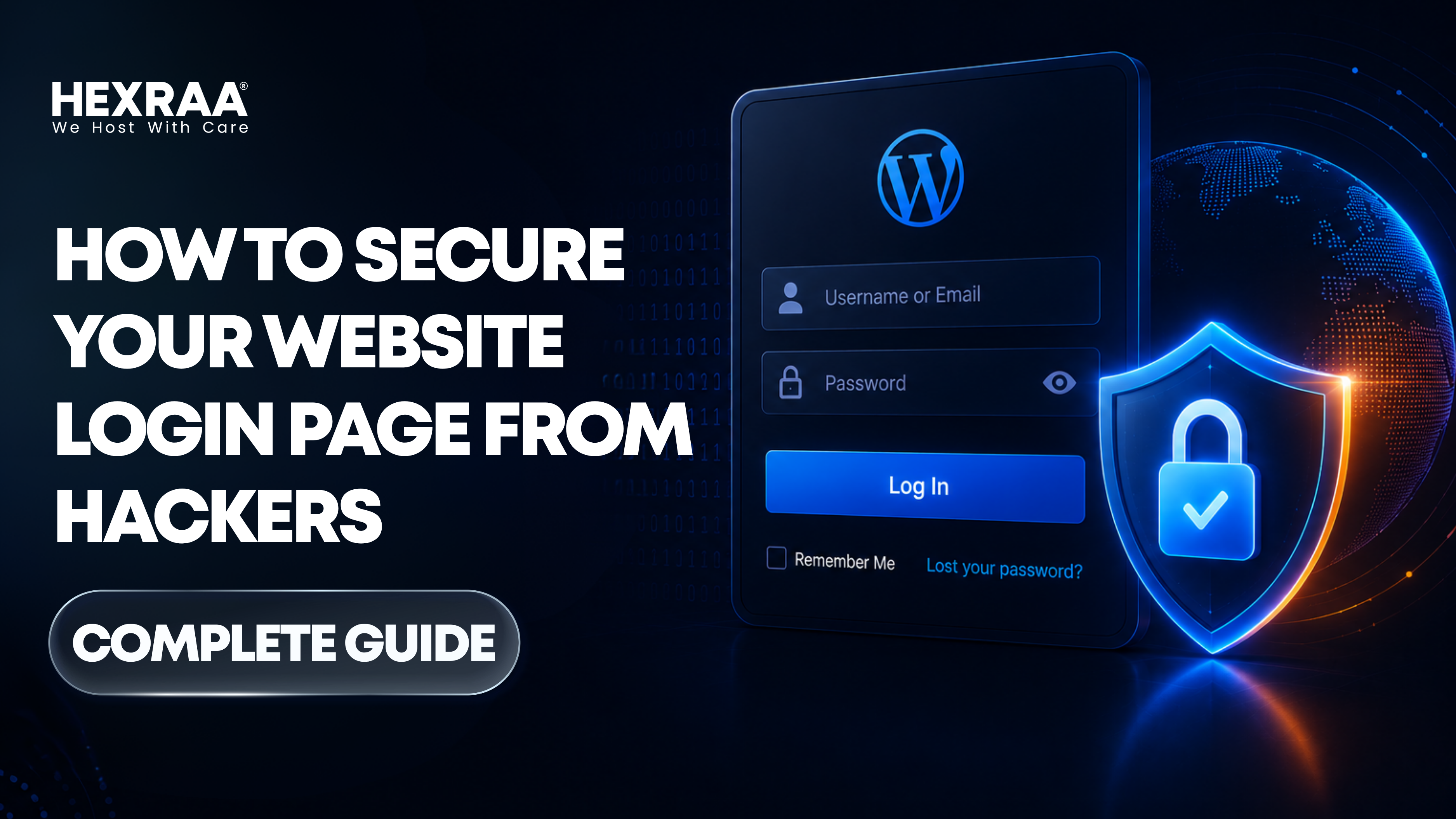
How to Secure Your Website Login Page from Hackers
Your website login page is one of the most critical نقاط of entry into your system. It is also one of the most targeted areas by attackers. Hackers often focus on login pages because gaining access through them can open the door to sensitive data, admin controls, and user accounts.
Common attacks include brute force attempts, credential stuffing, phishing, and automated bot logins. If your login page is not properly secured, even a well built website can be compromised.
Protecting your login page requires a layered approach. Instead of relying on a single method, you need to combine authentication, encryption, monitoring, and secure coding practices. Here is a complete guide to help you strengthen your login security.
Use Strong Authentication Methods
Authentication is the first line of defense. Relying only on a username and password is no longer enough in today’s threat landscape.
Implement multi factor authentication to add an extra layer of security. This requires users to verify their identity using a second method, such as a one time code sent to their device or generated through an app.
Time based one time passwords are widely used and effective. In some cases, biometric verification can also be added for extra protection.
For example, even if a hacker manages to steal a password, they will still need access to the second authentication factor. This makes unauthorized access much more difficult.
Enforce Strong Password Policies
Weak passwords are one of the most common reasons for security breaches. Many users still choose simple or reused passwords, which makes them easy targets.
Set clear password requirements for your platform. Encourage longer passwords with a mix of characters, including letters, numbers, and symbols. Avoid allowing commonly used passwords.
You can also integrate password strength indicators during signup and recommend password managers. These tools help users create and store secure passwords without needing to remember them.
Enable HTTPS for Secure Communication
If your login page does not use HTTPS, user credentials can be intercepted during transmission. This is a serious risk that can expose sensitive data.
Install an SSL or TLS certificate and ensure that all traffic is redirected to HTTPS. This encrypts the data exchanged between the user and your server.
For example, when a user enters their login details, encryption ensures that attackers cannot read or modify that information while it is being transmitted.
Implement Rate Limiting
Rate limiting controls how many login attempts can be made within a specific time frame. This is essential for preventing automated attacks.
Without rate limiting, attackers can attempt thousands of password combinations in a short time. By restricting login attempts, you slow down these attacks and make them less effective.
You can set limits such as a maximum number of attempts per minute or per IP address. After reaching the limit, the system can temporarily block further attempts.
Add CAPTCHA or Bot Protection
Automated bots are frequently used to attack login pages. CAPTCHA systems help distinguish between human users and automated scripts.
There are different types of CAPTCHA, including image recognition, invisible CAPTCHA, and behavioral analysis. These tools add a small step for users but significantly reduce automated attacks.
For example, a CAPTCHA challenge after multiple failed login attempts can prevent bots from continuing their attack.
Protect Against Brute Force Attacks
Brute force attacks involve repeatedly trying different password combinations until one works. These attacks can be very aggressive if not controlled.
To protect your login page, implement account lockouts after several failed attempts. You can also introduce delays between login attempts to slow down attackers.
Monitoring login patterns can help detect unusual activity. For instance, multiple failed attempts from the same IP address may indicate an ongoing attack.
Secure Session Management
Once a user logs in, their session must be protected. Poor session management can allow attackers to hijack active sessions.
Use secure session tokens and ensure they are generated randomly. Set expiration times for sessions to limit how long they remain active.
Regenerate session identifiers after login and use secure cookies with proper flags. These measures reduce the risk of session hijacking.
Monitor Login Activity
Monitoring is essential for detecting suspicious behavior early. Keep track of login attempts, including failed attempts, locations, and devices used.
Unusual patterns such as logins from unfamiliar locations or multiple devices can indicate potential threats. Real time monitoring tools can alert you when such activity occurs.
You can also notify users about suspicious login attempts. This adds an extra layer of awareness and helps users take action if needed.
Restrict Access When Necessary
For certain systems, limiting access by IP address or geographic region can improve security. This is especially useful for admin panels or internal dashboards.
For example, if your team operates from a specific location, you can restrict login access to approved IP addresses only.
While this may not be practical for all websites, it is highly effective for sensitive systems.
Prevent Injection Attacks
Login forms can be vulnerable to injection attacks if user input is not handled properly. Attackers may attempt to manipulate input fields to gain unauthorized access.
Use parameterized queries and validate all user inputs. Avoid directly using user input in database queries.
Modern frameworks provide built in protections, but developers must ensure they are correctly implemented.
Use Trusted Authentication Systems
Building your own authentication system can introduce risks if not done correctly. Using established authentication platforms can improve security.
Services such as Auth0 or Okta offer secure and tested authentication solutions. They include features like multi factor authentication, secure login flows, and compliance standards.
Using these platforms reduces the likelihood of security gaps caused by custom implementations.
Encrypt Sensitive Data
All sensitive data related to login systems should be encrypted. This includes passwords, tokens, and session data.
Passwords should never be stored in plain text. Use strong hashing algorithms such as bcrypt or Argon2 to protect them.
Encryption ensures that even if data is accessed by unauthorized parties, it remains unreadable.
Protect Users from Phishing
Phishing attacks trick users into entering their login credentials on fake websites. This can lead to account compromise even if your system is secure.
Educate users about recognizing suspicious emails and links. Implement domain authentication protocols to prevent email spoofing.
You can also monitor for fake domains that imitate your brand. Taking action against these threats helps protect your users.
Conduct Regular Security Testing
Security should be reviewed regularly to identify weaknesses. Perform penetration testing and vulnerability scans to evaluate your system.
Code reviews and security audits can help detect issues early. Fixing vulnerabilities before they are exploited is critical for maintaining a secure system.
Regular testing ensures your defenses remain strong as new threats emerge.
Keep Software Updated
Outdated software is a common entry point for attackers. Make sure your content management system, plugins, and frameworks are always up to date.
Apply security patches as soon as they are released. Remove any unused plugins or features that could introduce vulnerabilities.
Even a small outdated component can compromise your entire login system.
A secure login page is essential for protecting your website, your users, and your business. It acts as the gateway to your system and must be defended with multiple layers of security.
By combining strong authentication, encryption, monitoring, and secure development practices, you can significantly reduce the risk of attacks. Tools and services can support your efforts, but a proactive approach is key.
When your login page is properly secured, you not only protect your data but also build trust with your users. In a digital environment where security threats are constantly evolving, taking these steps is not optional. It is necessary for long term success.
FAQs
1. What is the most important way to secure a login page?
The most important step is using strong authentication methods like multi-factor authentication (MFA). Even if a password is stolen, MFA adds an extra verification layer that blocks unauthorized access.
2. How do hackers usually attack login pages?
Hackers commonly use brute-force attacks, credential stuffing (using leaked passwords), phishing pages, and automated bots to guess or steal login credentials.
3. Why is HTTPS important for login security?
HTTPS encrypts data between the user and the server. Without it, login credentials can be intercepted by attackers during transmission.
4. What is rate limiting and how does it help?
Rate limiting restricts the number of login attempts from a single IP address in a short time. This helps prevent brute-force attacks and bot-based login attempts.
5. Can security tools completely protect my login page?
No system is 100% safe, but combining tools like firewalls, CAPTCHA, MFA, monitoring, and secure authentication frameworks (such as Auth0 or Okta) greatly reduces the risk of hacking.